
Don’t see any simulation when playing
Make sure your start frame is set to the start of the time slider.
Error: line 219: No nucleus related object selected for solver assignment
Make sure your object is not already a cloth or collision.
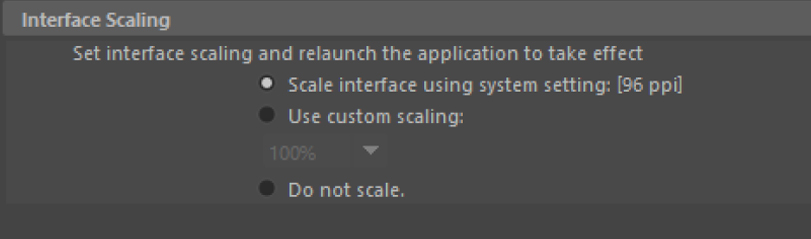
The camera preview window keeps getting bigger:
This is due to Maya’s high dpi setting, you can disable it in the Maya’s preference
Content Browser not opening up after adding Path:
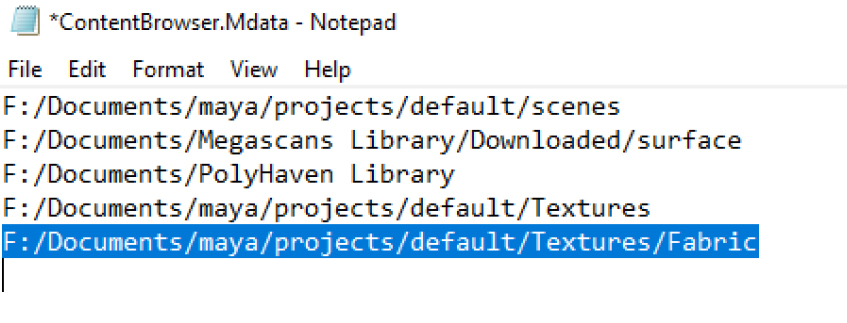
You might have added a sub directory of a path that is currently in the browser.
open the “ContentBrowser.Mdata” file in a text editor. This file is located at the root of your project.
Remove the line that is the cause of the error and save.
Content Browser keeps making thumbnail for a folder:
Make sure you have permission to save in that directory, the content browser saves the thumbnails in the same folder
Support and Bug report:
If you found an issue or have any questions about Maya X, please feel free to send me an email:Morteza.CG@gmail.com