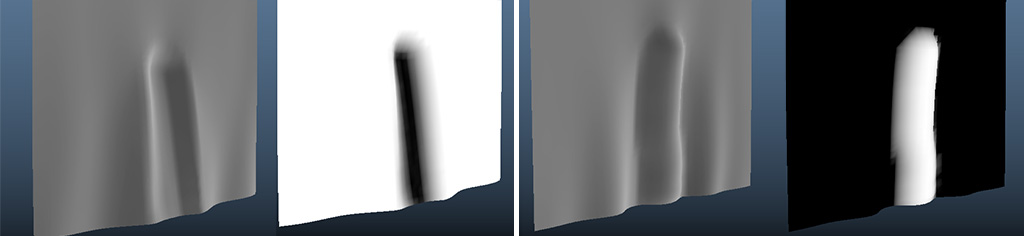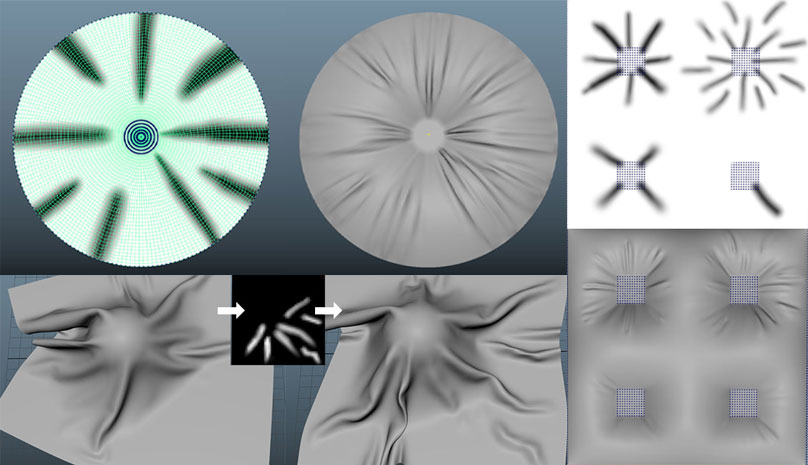
Wrinkle Map: select a cloth object and click on the dynamic button to start painting the wrinkle map.
The Wrinkle map is a super-easy way to add wrinkles to your cloth objects.
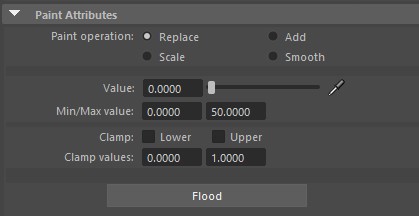
When you click on the dynamic button, the pain tool settings will also open.
Value: by default your cloth mesh is filled with a value of 1, you should set the value to something lower to start painting wrinkle maps. You can also do the opposite and flood your mesh with the value of 0 (black) and start painting white to add wrinkles.
Painting black will push the vertices backward and against the normal direction while painting white will push them forward.