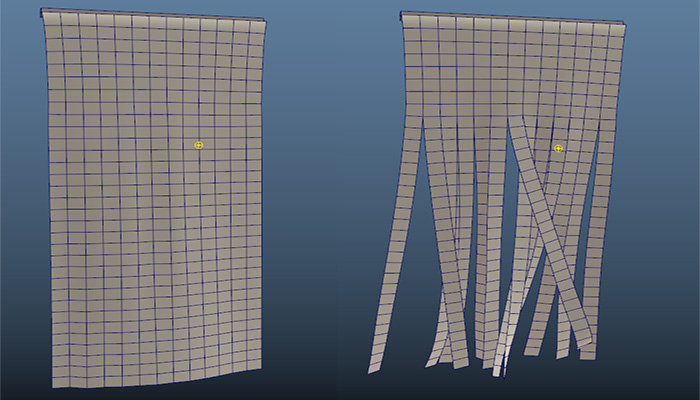
Transform Constraint: select the vertices of a cloth object and click on the dynamic button to create a transform Constraint.
Transform Constraint will hold selected nCloth vertices in place, you cannot move them in interactive playback mode, but you can set keyframes and the movement will be applied to cloth during playback.
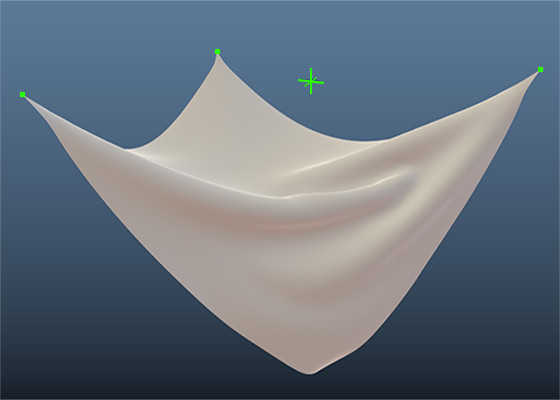
Point to Surface Constraint: select poly mesh and vertices of a cloth object and click on the dynamic button to connect those points to the mesh.
This type of constraint works perfectly with interactive playback, and you can move, rotate and scale the poly mesh, and all the vertices will follow accordingly, allowing you to make different cloth effects. In the image on the right, I scaled down and rotated the constrained surface during interactive playback to make this effect.
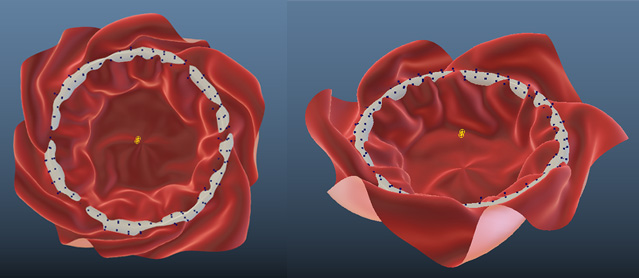
Tear Cloth: select the edges of a cloth mesh and click on the dynamic button to tear the cloth from those edges.
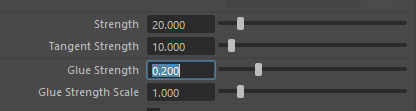
You can use the Glue Strength to control how determines how resistant this constraint is to breaking. A lower value will make the cloth tear more easily.