Menu
switch Maya’s main menu on/off

NEW
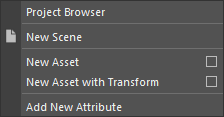
Create a new scene. You can right-click for more options
Here you can open the project browser, create a new asset or new attributes

Open
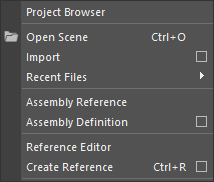
Open a scene. You can right-click for more options
Here you can open Project Browser, Import scene files, see Recent Files, access Scene Assembly, open Reference Editor, or use Create Reference to add a scene or an object as a reference.

Save
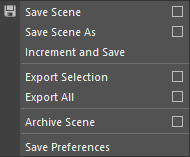
Save the current scene. You can right-click for more options
Here you can see other save options like Save As, Increment and Save, Exporting, Archive, and Save Preferences.

Content
Open the new content browser.
You can right-click to open the old Maya Content Browser

Nodes
Open the Node Editor. You can right-click for more options
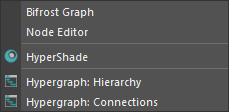
You can open Bifrost Graph Editor, LookDevX, Hyper Shade, and Hypergraph

Model
Opens modeling subsection in the top bar. You can right-click for more options.
The modeling section contains all the tools related to 3D Modeling.
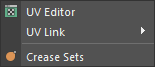
You can open UV Editor, UV linking windows, and Crease Set.

2D
Here you can find customized tools for 2D sketching, flipbook animation, and other things related to 2D tools or Stylized rendering.

Render
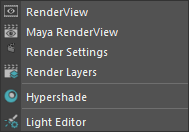
Open Render View based on your render engine.
You can right-click to access Maya Render View, Render Setting, Render Layers, Hypershade, Light Editor.