
Change divisions
You can increase and decrease details of terrain’s mesh at any time
Select any of the meshes that you want to modify and then press to open the division window.
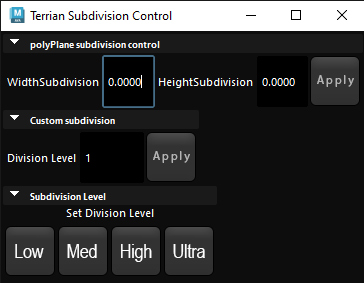
“Poly plane subdivision control” is for default plane object, you can set rows and columns individuality .
“Custom subdivision” is what you mostly work with, change its value and press the apply button to change mesh division.
In my experience, Maya will most likely crash if you set this value higher than 3
“subdivision level” is set of different buttons indicating decision levels from 0 to 3.
If you are using directional mask subdivision level has asignificant role in quality of your mask.
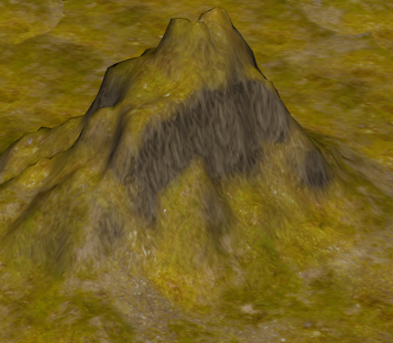
Division level is sett to 1
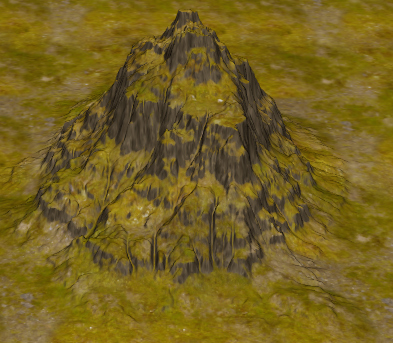
Division level is sett to 3