
Texturing
Select terrain surface and press  to create a new texture layer. Texture handles are usually green, By resizing texture handle you can control the size (Tiling) of the texture.
Change textures map and color
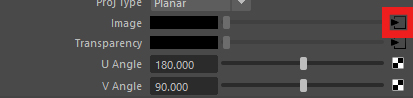
Select texture handle and press the “output connection” button in attribute editor.

You should now see tree tab in attribute editor, Go to file tab
And now you can change image file and color gain of the image.
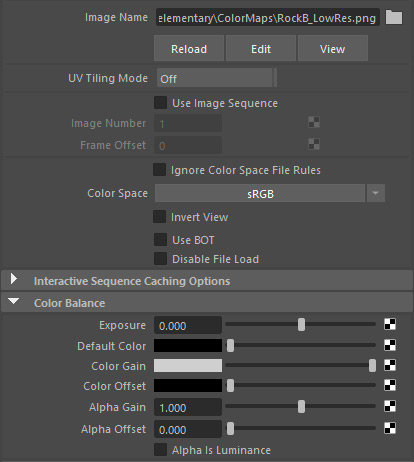
By default, easy terrain uses a low-quality rock
texture for performance reasons, but you can
assign any texture to it.