
painting maps
Using this button  you can paint different attributes for your terrain.
At first, I was wanted to add my custom attributes to paint but very soon I noticed a lot of bugs and
Maya just wasn’t handling custom attributes properly. So sadly, we should now use Maya’s defaultattributes.
Diffuse = for painting Height map.
incandescence = for painting Detail Map.
Translucence = for masking Textures and flow map.
WARNING: MAKE SURE TO SAVE RIGHT AFTER YOU CREATED A NEW MAP OR ELSE MAYA WILL NOT
SAVE IT AND IT CAN CAUSE YOUR TERRAIN GET RUINED.
This is Maya’s 3d painting tool, you can readmore about it in Maya’s documentation.

Paint heightmaps
To paint height map you should assign a new map to the diffuse attribute.
Make sure to check “Update on stroke”, this way the terrain will update instantly when you make changes to your map.
After you assigned a new map press the  button to use diffuse map to terrain as height map.
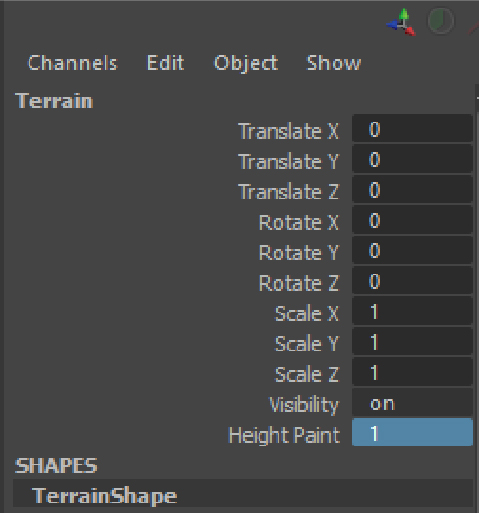
Now you have a new attribute to control the
height of painted texture.