
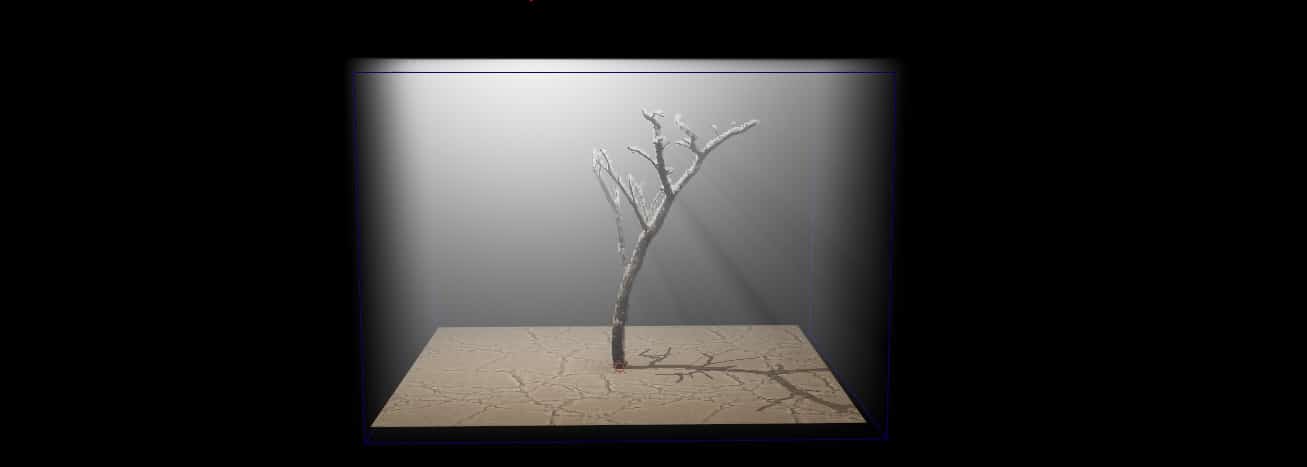
Volumetric Lights
1-build lightmap of your scene.
2 – add an object as fog container to the scene (it can be any object, but usually it’s a cube or a sphere) and place it where you want the fog at.
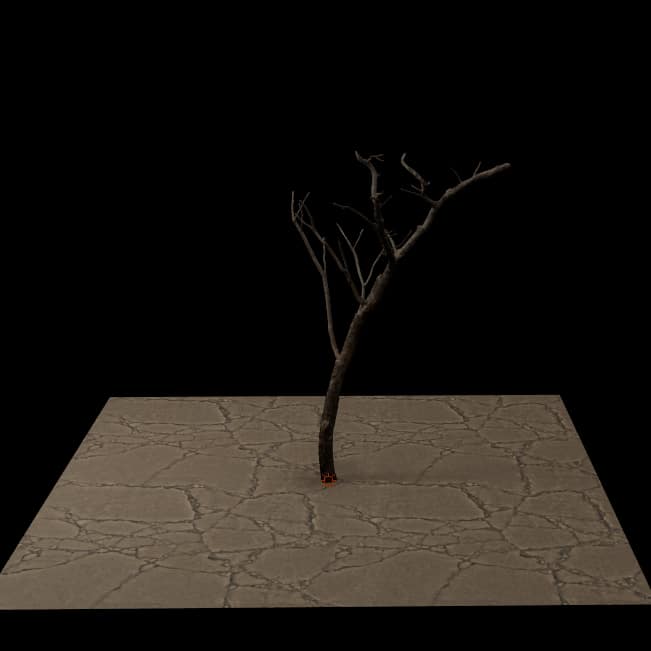
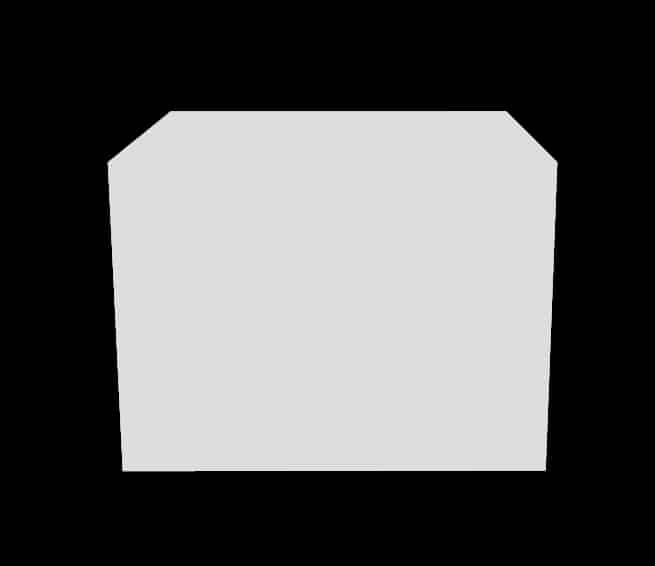
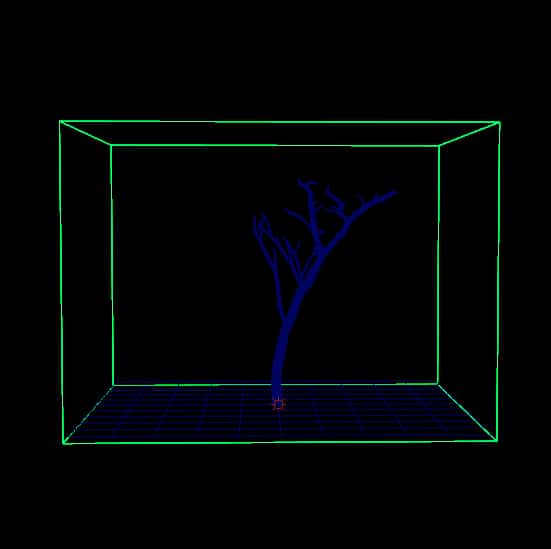
3 – Now select container and in X-Ray shlf press  , now the scene should look like this.
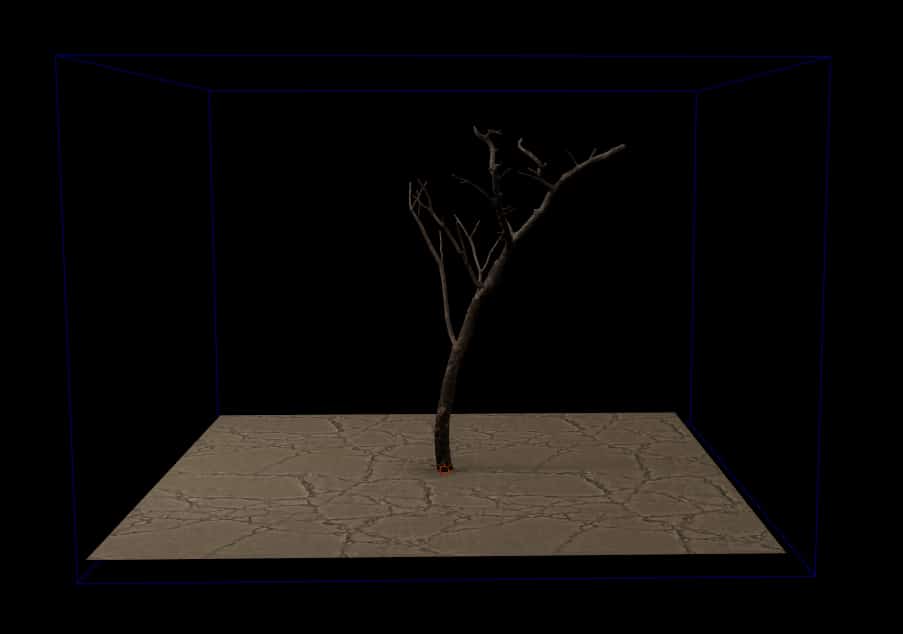
4 – add a light and increase it’s intensity to a high value like 1000 until volume is visible.
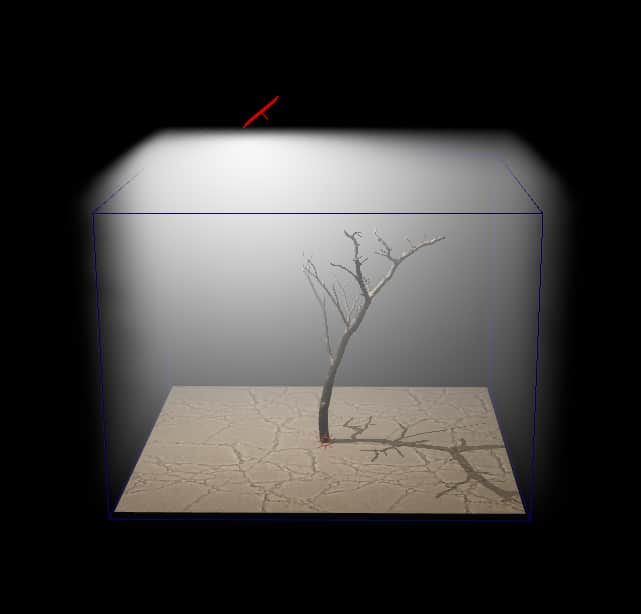
5 – if volume looks jagged select the container, go to chanel box and decrease volume detail size to increase volume resloution 
*Hint : you can change volume color by changing light’s color.
Volumetric Shadows
1- Select an object that you want to cast shadows.
2 – in X-Ray shelf press  to make a volumetric light blocker from selected object (make sure selected object has no holes, if it does, you can make a proxy object)
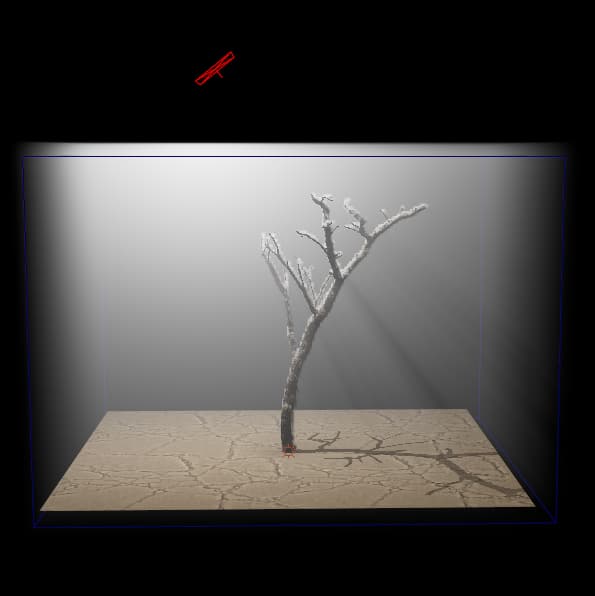
3 – if there are any artifacts go to Chanel box there are two parameters volume detail size and volume offset, you can increase the shadow caster res by lowering the volume detail size and push the volume toward object by setting volume offset to some negative value.