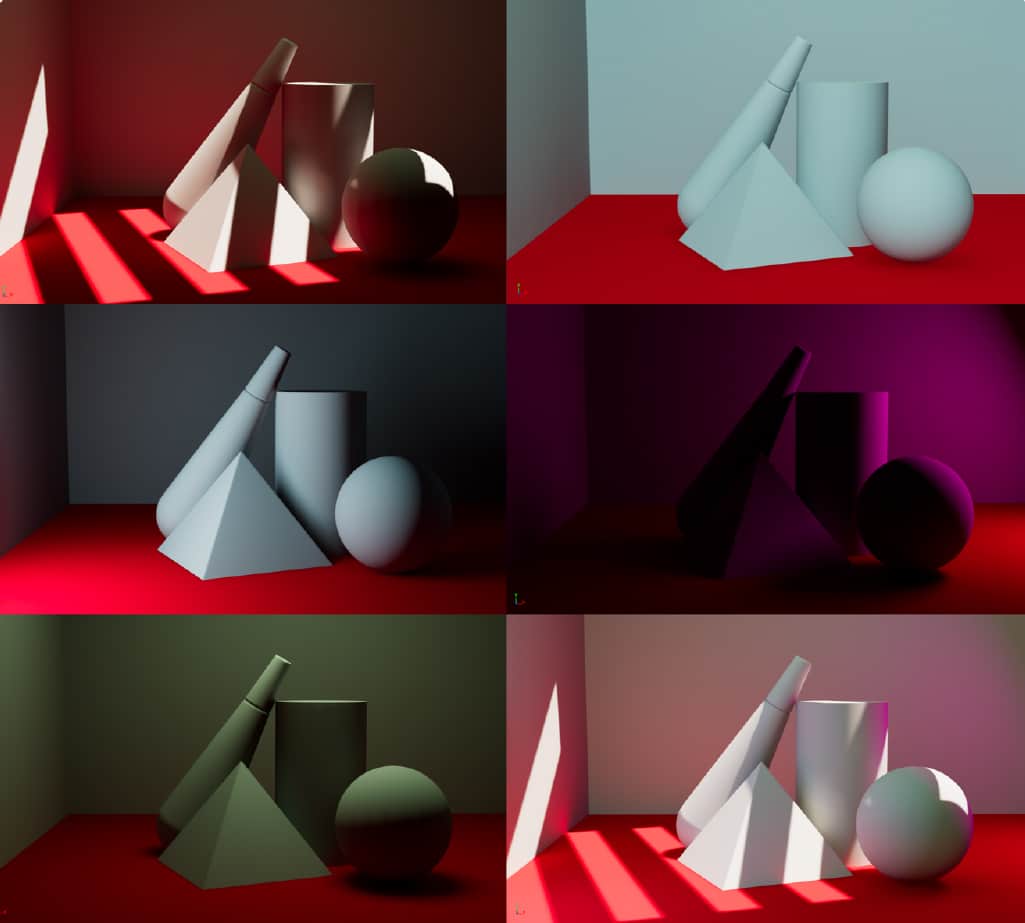
Light Mixer makes it possible to edit the Color and Intensity of lights without the need to re-bake the objects.
If you are an Unreal Engine user, your thought might go toward stationary lights! But you should know that Light Mixer is very different and more advance and unlike Unreal here the changes you make will also affect GI.
you also get much more control for every bake you make. You can Enable Light Mixer from the Baking Window. Light Mixer will bake each light separately, as a result it will take longer to bake the scene, but it will also give you a greater control.
In this very same scene, with all 3 lights enabled + sky and sun, with light map res of objects set to 256, the scene took 15 seconds to bake with light Mixer off and 50 seconds with Light Mixer on.
Bake only the new or modified lights
it’s true that when you look at Light Mixer at first it might look as if it is slower and taking longer to bake, but in many cases, it can save you so much time, not only you don’t need to re-bake when you want to modify light’s color and intensity but when you have Light Mixer enabled, you can also bake lights separately, that means if you have moved a light or added a new light to your scene you don’t need to re bake everything, you can just select a light and hit build selected to build that one light for all objects.
Bake only a specific light for an object
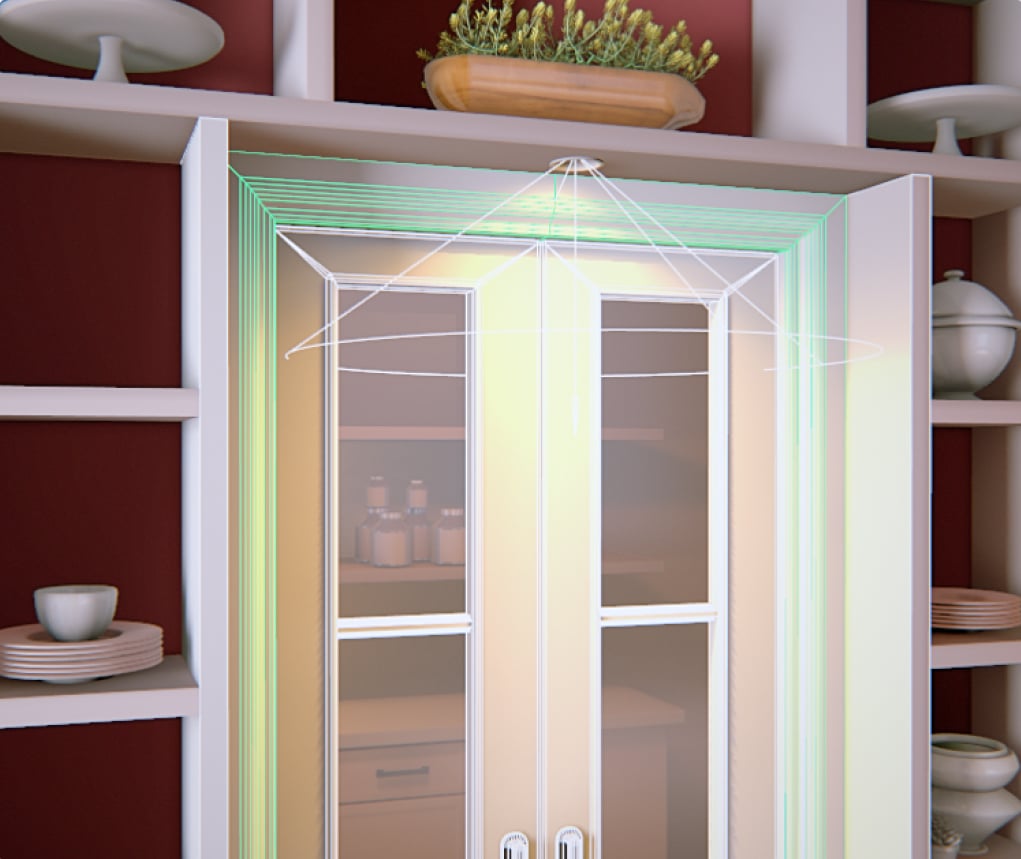
you can also build a light for one or multiple objects. So for example in the front image, the light only covers the door area, we don’t need to bake the whole scene just for that, you can just select the light and the objects that you can see its effect directly on them and hit bake selected.
Animate Lights
Just like lights in offline renders, you can set keys and animate the light color and its intensity and see them in real-time.